Create account
Create an account to get Full Monitor access.
Create it now
Welcome to OmnikOutput
OmnikOutput is a monitoring platform for Omnik solar inverters. If your original monitoring service is no longer available, OmnikOutput offers an alternative for compatible inverters.
Monitor live solar production, view historical performance and receive alerts when production data stops arriving.
Try OmnikOutput free for 14 days.
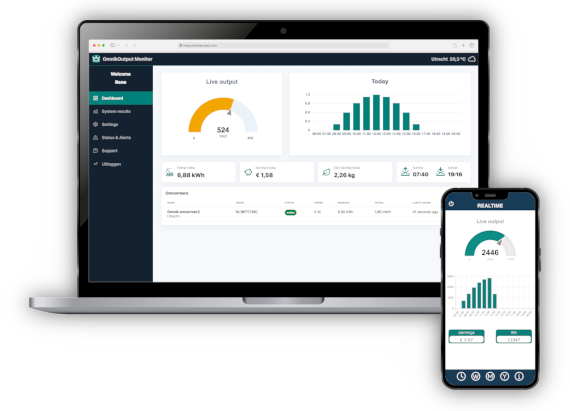
Connect your Omnik inverter with OmnikConfig, send data to OmnikOutput,
and follow your solar performance and system status.
Create an account to get Full Monitor access.
Create it now
Use to setup
your Omnik inverter. Or configure
View live output, history and alerts
for your solar system. Login here
Monitor production, system status and alerts from one simple dashboard.
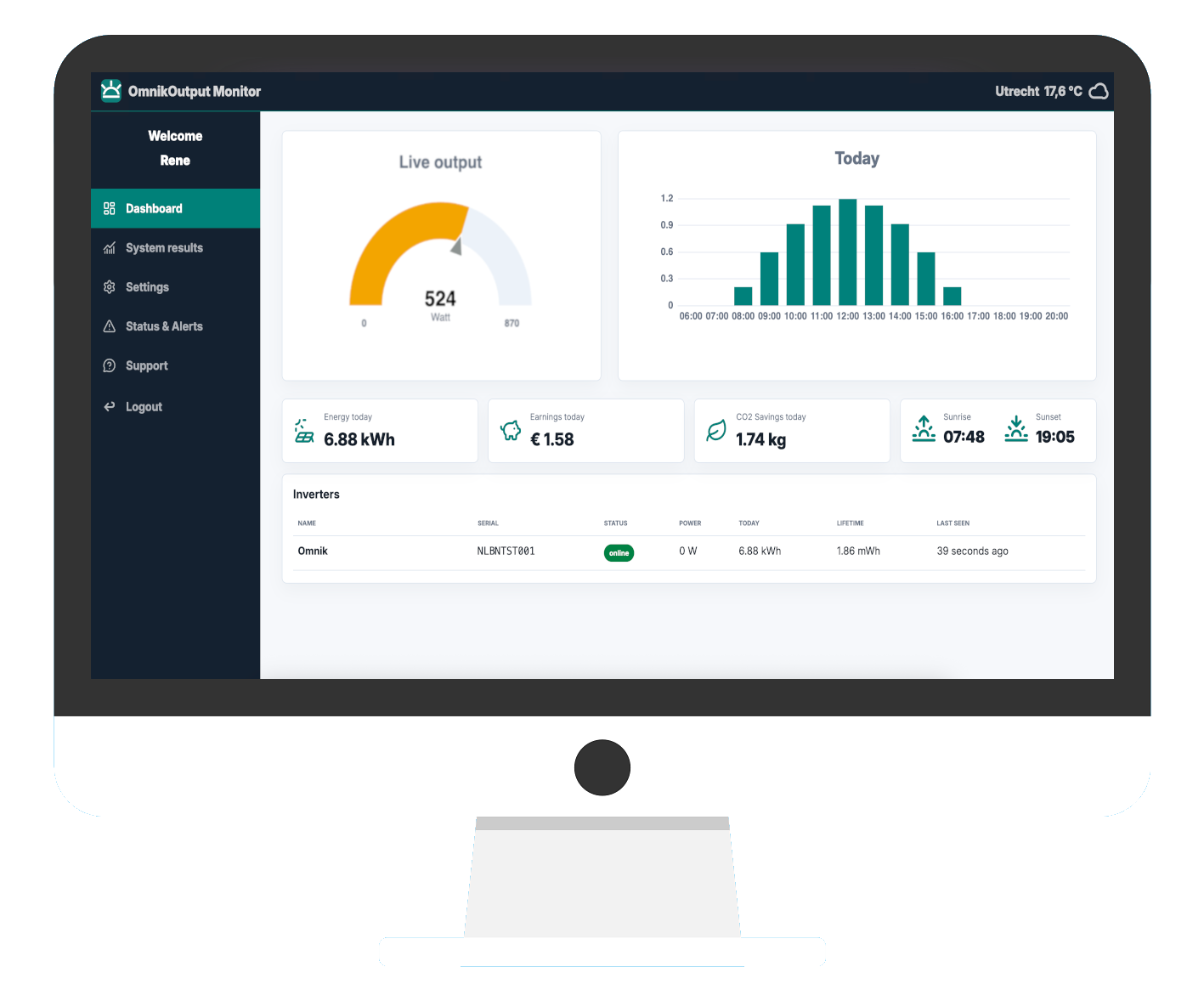
OmnikOutput is a monitoring solution for owners of Omnik inverters. It shows solar production, system status and alerts when data stops arriving. Omnik New Energy Co., Ltd. (Suzhou, Jiangsu) stopped operating in 2021, so we provide an alternative monitoring solution.
There is no link with the original company Omnik New Energy Co., Ltd. (Suzhou, Jiangsu), which manufactured and sold the Omnik inverters.
We provide a service to monitor your Omnik inverter and the production of your PV system. If your inverter or PV system is not working correctly, please contact your installer.
Use the OmnikConfig tool to setup your Omnik inverter so it can send data to OmnikOutput. . The tool guides you through the setup step by step.
To use our monitoring solution, your Omnik inverter needs to send its data to our servers. This means the inverter configuration needs to be changed.
Unfortunately, not all Omnik inverters have a configuration that can be changed. Some models do not allow the server address to be changed. For most other Omnik inverters, our OmnikConfig tool can take care of the setup.
For Omnik 1000TL inverters, find the IP address on the display. Open that IP address in a browser while you are connected to the same Wi-Fi network as the inverter.
For most other inverters, you need to connect to the Wi-Fi access point of the Omnik inverter. Stay close to the inverter and look for a Wi-Fi network that usually starts with AP_. Then open 10.10.100.254 in a browser.
The default login is:
Username: admin
Password: admin
Yes. After logging in to your inverter, open the web interface menu and go to Advanced, then Remote server. On an empty Server B or Server C row, enter the following details:
IP address: leave empty
Domain name: data.omnikoutput.com
Port: 10004
Connection: TCP
If there is no empty row, change the values of the last available server. Click Save, then click the Test button to test the connection.
Restart your inverter and log in to your account on omnikoutput.com. If the inverter serial number in your account is correct, data should appear after about 5 minutes.
Yes. View your solar production and inverter status in Home Assistant. You can find the setup instructions in your account.
The following sensors are available:
The data sent to our servers contains the serial number as a unique identifier. This is the key that links the data to your account. With that serial number, we can show your PV solar production and system status.
All data we collect is used for this service only. We do not share your data with anyone else. We also do not use the data for any other purpose than giving you insight into your solar system through our monitoring solution.
Start with a trial. Choose your subscription after the trial period.
See your inverter’s latest reported power and today’s solar energy production in one overview.
View daily, weekly, monthly and yearly production reports from the data received by OmnikOutput.
Check your inverter’s online or offline status and receive alerts when production data stops arriving.
Follow your solar production in the iOS and Android apps, or view data and status in Home Assistant.